1. Go to the Employee Portal: UC Merced Employee Portal
2. Log in using the UC Merced Sign-In option with your UC Merced credentials.
3. Complete any required consent forms.
4. Click on the My Appointments tab on the left-hand side of the screen.
5. Select Schedule a New Appointment.
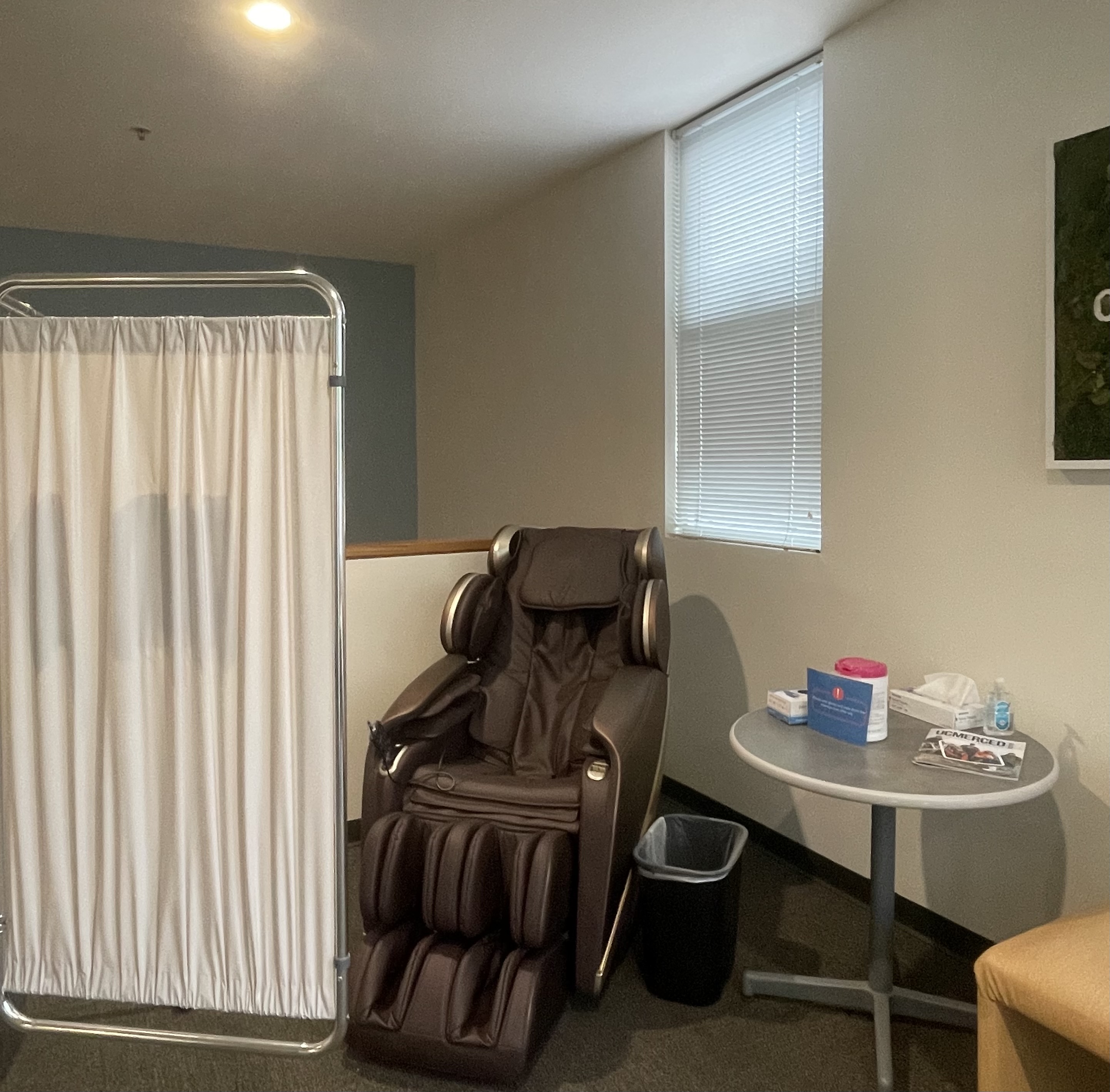
6. From the appointment type dropdown menu, choose Massage Chair.
7. Select a date and time that works for you and submit your appointment request.
8. You will receive a confirmation email with your booking details once your appointment has been scheduled.